Brand
Guideline
SEPTEMBER 2026
- 28/09/2026, request:
build một file brandguide http://brandguide.flyer.vn cho flyer giống bên này https://brandguide.intergreat.com/download giúp anh nhé
- Built by an AI assistant from files FLYER already had: the BINGO asset pack (logos, model sheet, 16 stickers, 2021), the iOS app icons of FLYER, Bingo AI and FLYER Teacher, the mission and core values on the FLYER About deck, and Cloud theme UI icons. Virtual backgrounds were generated new for this guide.
- Logo clear space, minimum sizes, color names, the 60/30/10 ratio and the type scale are proposals. They need sign-off from the design team before being treated as rules.
FLYER builds innovative, creative education technology for English learners, from Cambridge exam practice to AI speaking practice with Bingo. Two words carry the brand: Effective and Fun.
5 million students who are strong in English, each with an AI teaching assistant by their side.
Core values
Build the Best Product
Real value for users, improved until it is number one in its segment, with metrics that prove it.
Invention & Simplification
Adopt the newest technology, then make it as simple as possible for the user.
Integrity & Accountability
Do what is right and own the outcome.
Lifelong Learning
Keep learning, the same way we ask our students to.
Long-term Thinking
Choose what still holds up in five years over what looks good this week.
Brand family
One master brand for learners and schools. The FLYER logo and Bingo lead; product names sit beside them and never replace them.
FLYER
Students & parentsCambridge and IELTS practice tests, Phòng Thi Ảo, gamified learning. Playful, bright, encouraging.
Bingo AI
Speaking practice for kidsAI speaking companion and the Bingo Robot device. Bingo is the face; the FLYER logo signs off.
FLYER Teacher & FLYER LMS
Teachers, schools & centresAssignments, exams and school administration. Calmer and more professional in tone than the student brand. Partner schools can show their own logo on their login page (see Application).
Teado
Separate B2B brandTeado has its own identity and is not covered by this guide.
Logo, color & type
The building blocks. Use them as they are; when a case is not covered here, ask the design team.
Primary logo
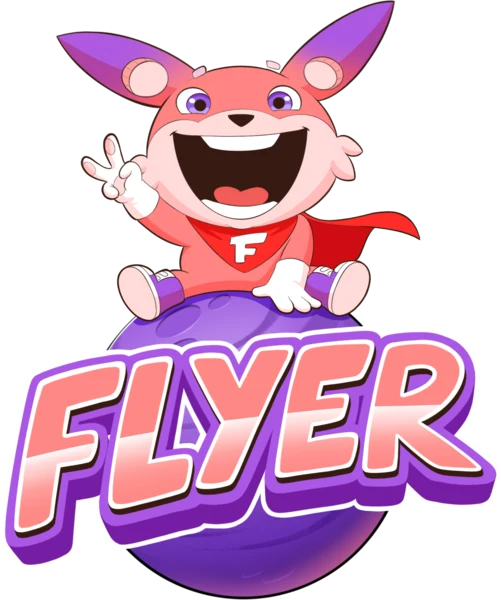
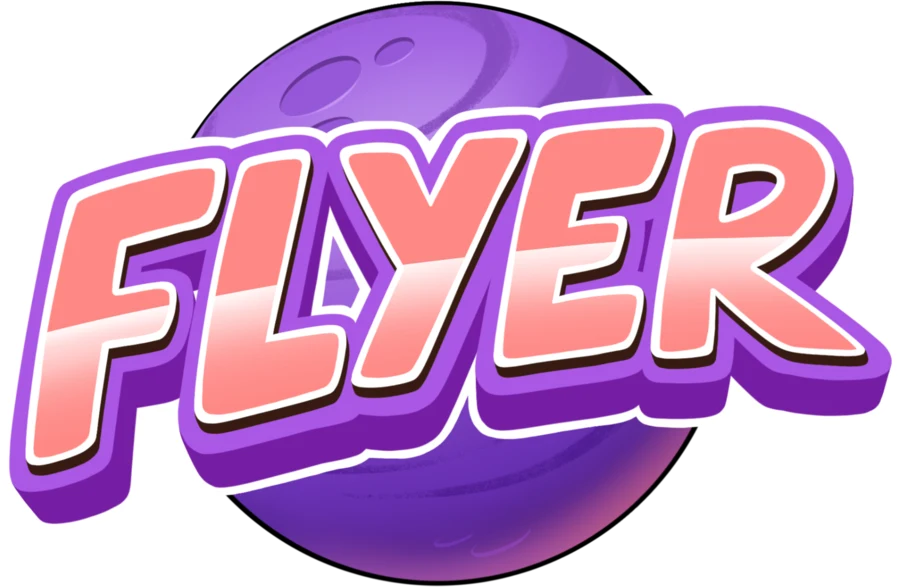
Bingo riding the purple planet above the FLYER wordmark. This is the default for app splash screens, printed materials, event backdrops and anywhere the logo has room to breathe.
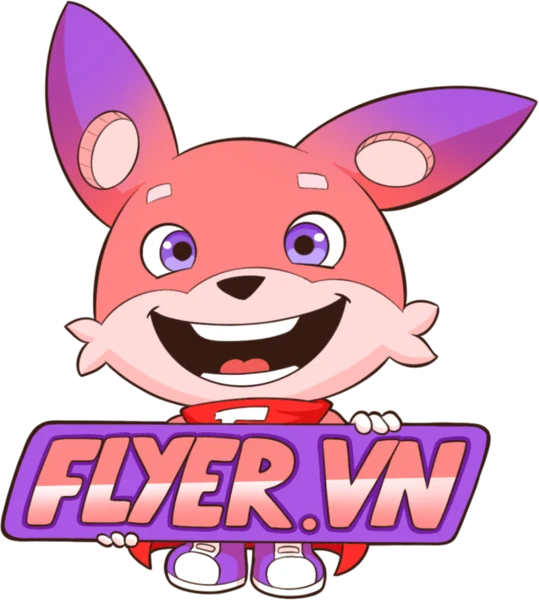
Logo variants
Clear space & minimum size
X = one quarter of the logo's height. Keep text, edges and other logos outside this zone.
Primary logo, digital. Below this width Bingo's face stops reading. Print minimum: 30 mm.
Horizontal logo, digital. Print minimum: 35 mm.
Smaller than that? Use the Bingo sticker or app icon instead of shrinking the logo (favicons, notification icons).
Backgrounds
The logo carries its own white outline, so it holds on light, brand and dark backgrounds. Avoid busy photos behind it.
Logo misuse
Color palette
Sampled from the logo artwork. Click any swatch to copy its HEX code.
Suggested balance for marketing layouts: light base, purple for structure, coral for the one thing that should be clicked or noticed.
Product UI colors
The FLYER web apps (Cloud theme) use a slightly bluer purple for buttons and links so text stays readable at small sizes.
Gradients
Typography
Open Sans
abcdefghijklmnopqrstuvwxyz
0123456789 ăâđêôơư ẮẦẺỄỘỜỨ
Inter
abcdefghijklmnopqrstuvwxyz
0123456789 ăâđêôơư ẮẦẺỄỘỜỨ
| Style | Size / line height | Weight | Sample |
|---|---|---|---|
| Display | 56 / 60 | 800 | Học vui mỗi ngày |
| Heading 1 | 36 / 44 | 800 | Practice Cambridge tests |
| Heading 2 | 28 / 36 | 700 | Your weekly progress |
| Heading 3 | 20 / 28 | 700 | Speaking with Bingo |
| Body | 16 / 26 | 400 | Bingo listens, corrects gently and cheers every small win. |
| Caption | 13 / 18 | 600 | Updated 5 minutes ago |
Mascot · Bingo
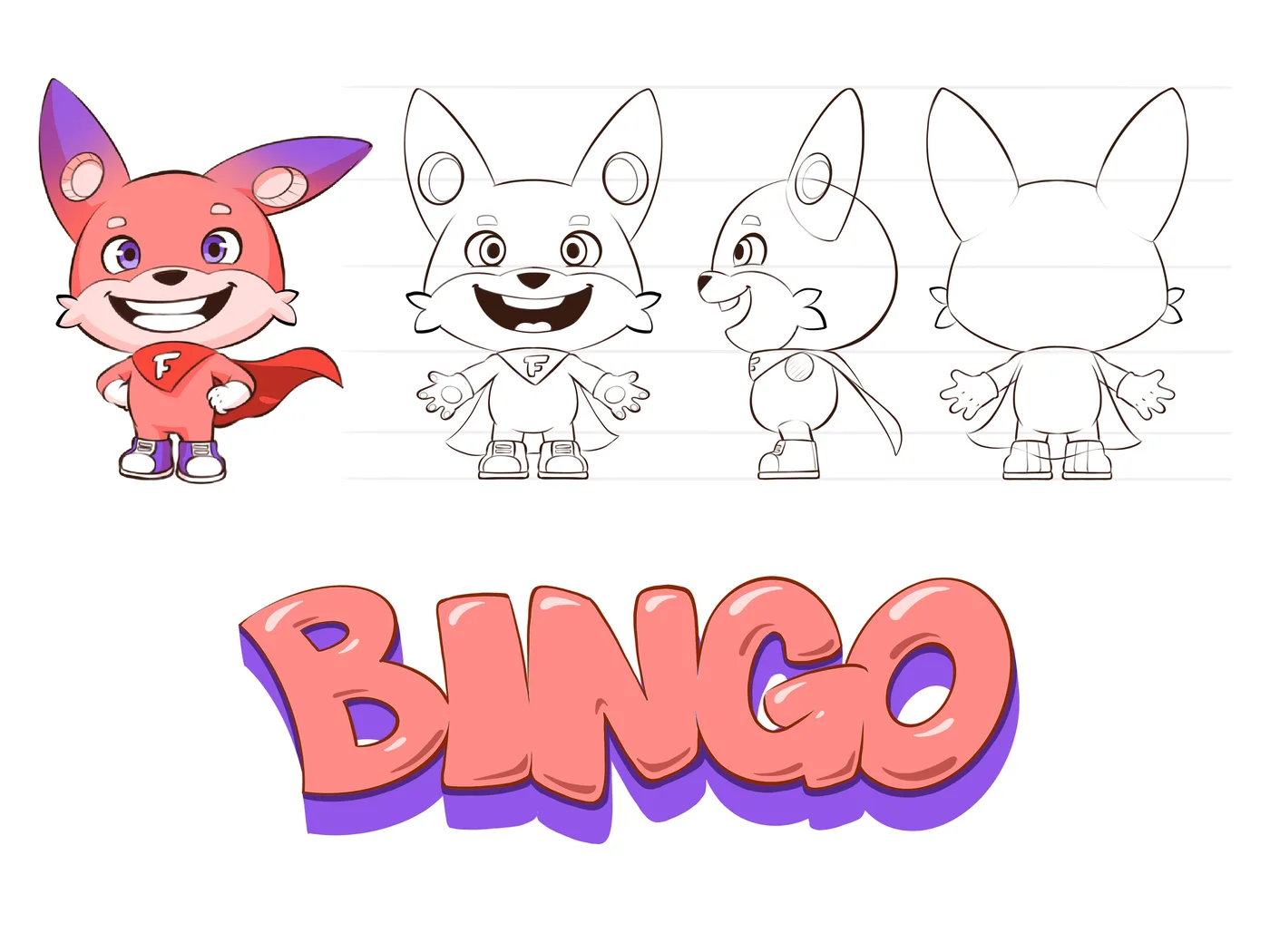
Meet Bingo
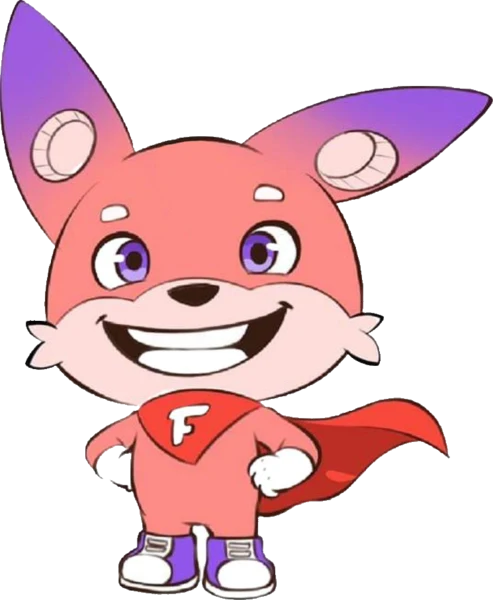
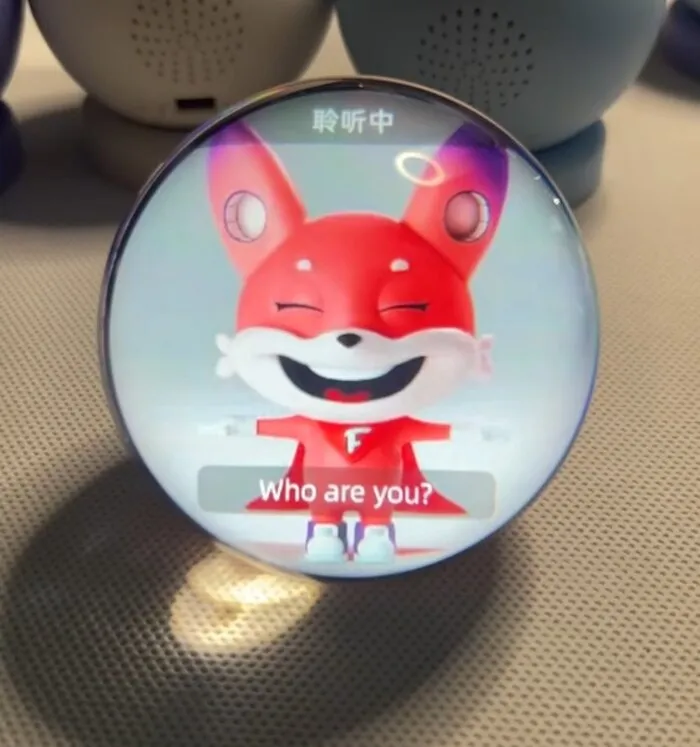
Bingo is FLYER's learning buddy: a coral-pink hero with purple-tipped ears and a red cape marked with the F. Bingo shows up where learners need a friend — on the logo, in the apps, as the voice of Bingo AI and on the Bingo Robot.
- Keep the original colors, the cape and the F badge.
- Use the official poses and the 16 stickers; commission new poses from the model sheet below.
- Bingo celebrates effort, not only right answers. Never show Bingo laughing at a learner.
Voice & tone
| Audience | Tone | Say | Avoid |
|---|---|---|---|
| Students | Playful, short, encouraging | "Great try! One more and you've got it." | "Wrong answer." |
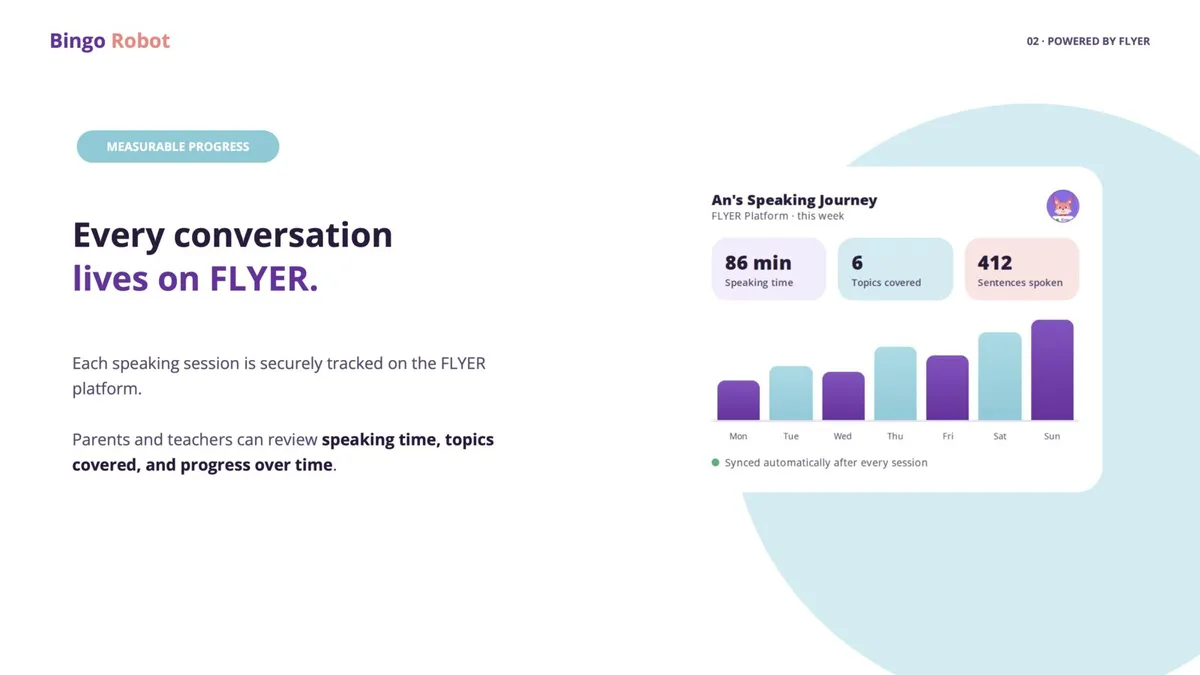
| Parents | Warm, clear, evidence-based | "An spoke English for 86 minutes this week, 12 more than last week." | Hype without numbers |
| Schools & teachers | Professional, precise, time-saving | "Assign a Cambridge mock test to 3 classes in one step." | Childish jokes, stickers in formal documents |
The brand in use
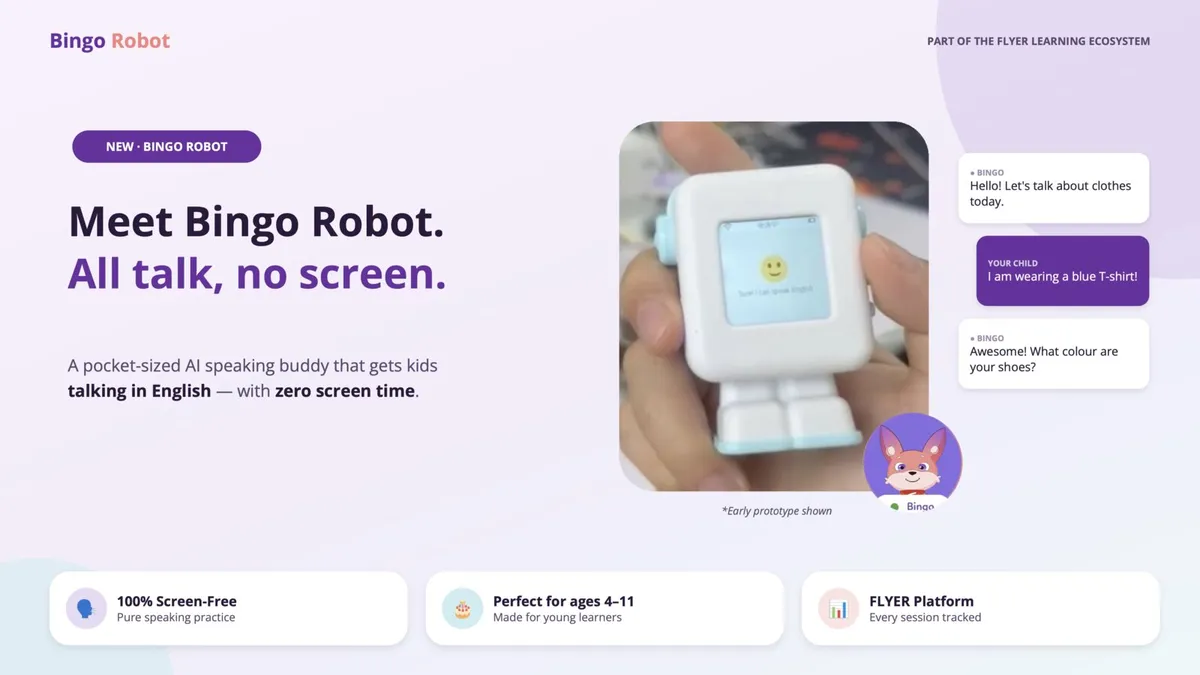
Real FLYER materials that apply the system well. Use them as a reference when making something new.
Presentations & brochures
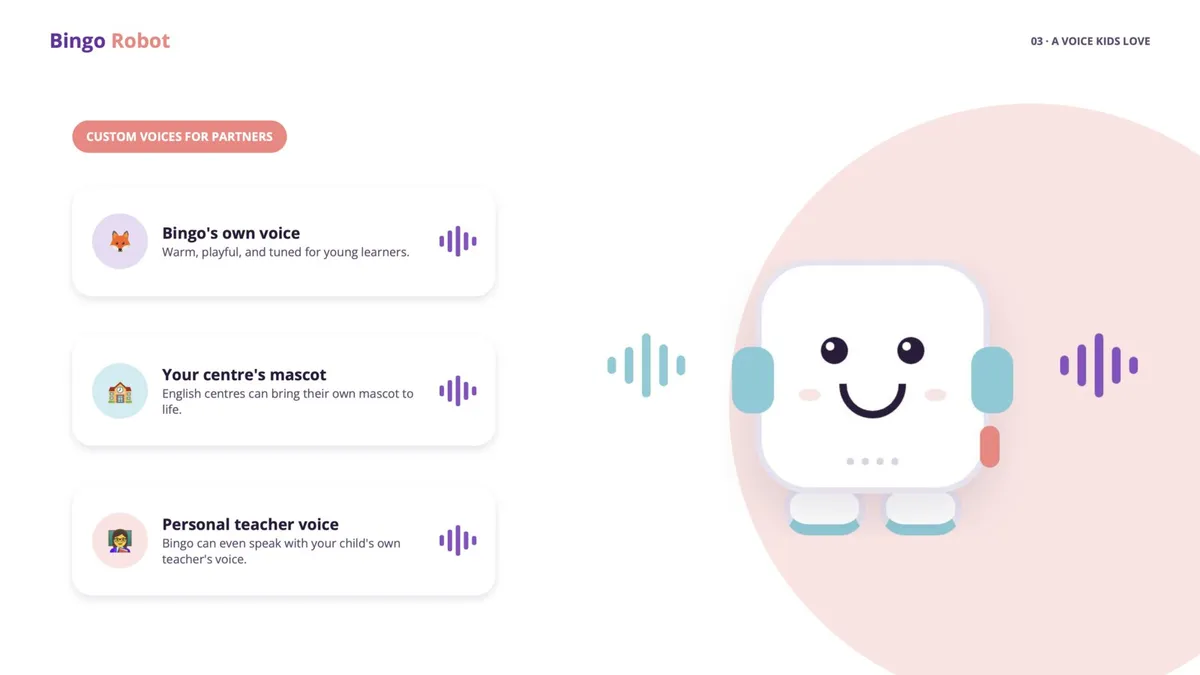
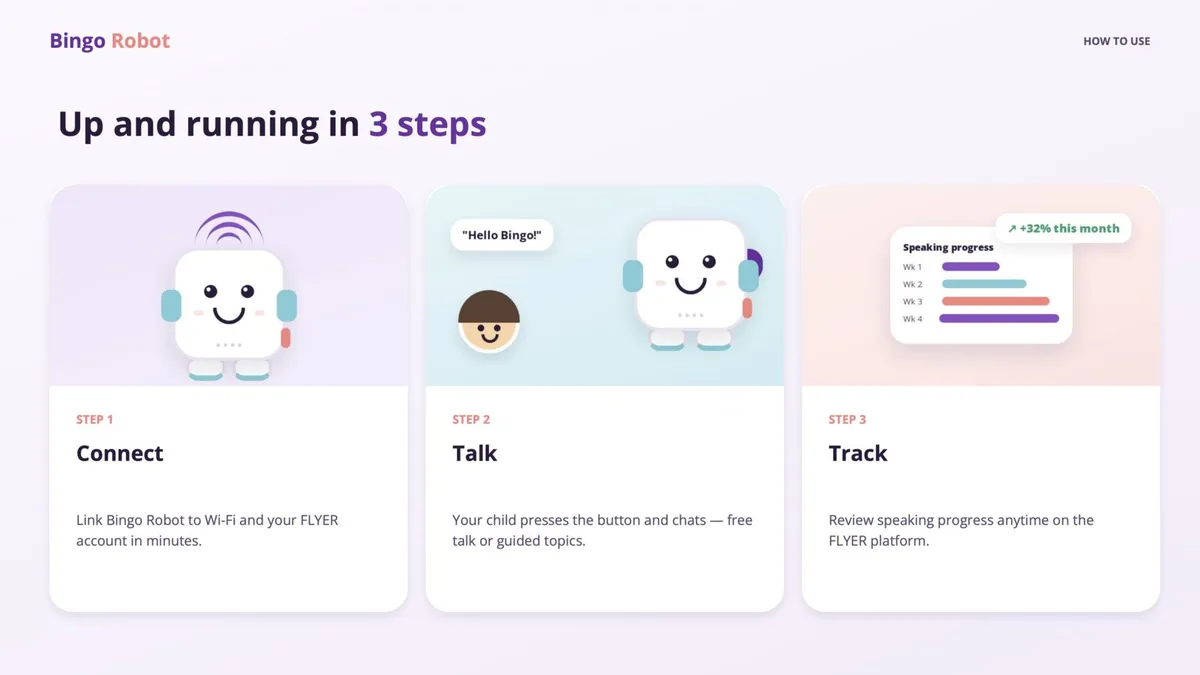
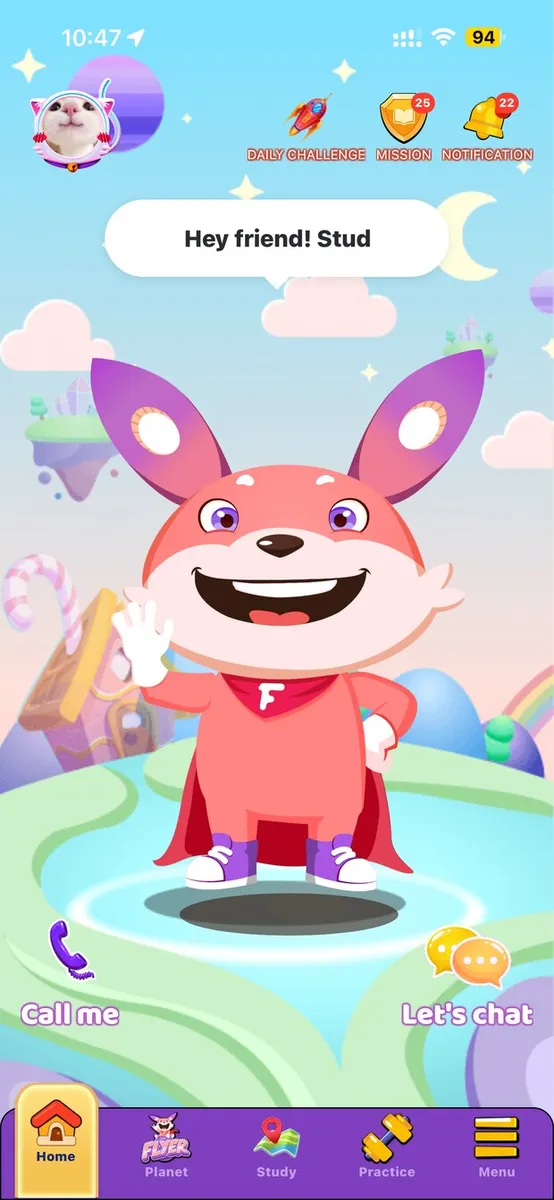
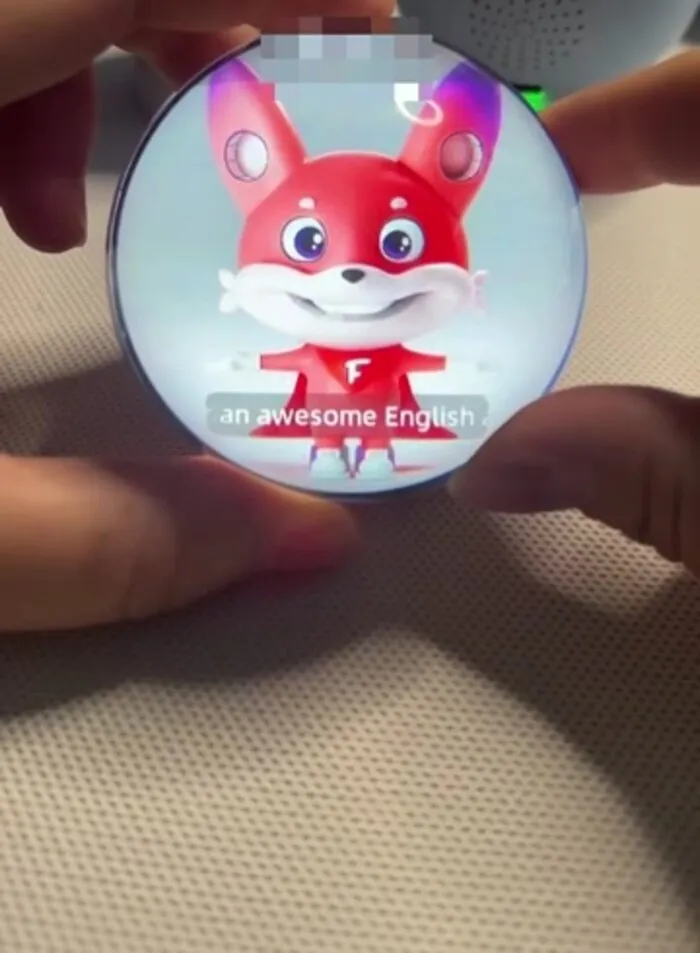
Product & devices
Online classes & meetings


Four 1920×1080 virtual backgrounds are in the Download library. The logo sits in a corner so it stays visible beside the speaker.
Partner school co-branding
Schools on FLYER can show their own brand on their login page (for example tenmien.flyer.us) via School settings → Permissions. Share these specs with partners:
Square (1:1), transparent PNG.
Background of the school's own login page.
"Powered by FLYER" remains; partners do not edit the FLYER logo.
Icons & stickers
Line icons for product UI, and Bingo stickers for chat, social and classroom moments.
Product UI icons
20 × 20 grid, 1.2 px stroke, round caps. Click an icon to download its SVG.
Bingo stickers
16 expressions for Zalo, Messenger, social posts and in-app feedback. Keep them out of formal documents for schools.
Download Library
Official logo files, mascot artwork, virtual backgrounds and brand images for FLYER communication.